Smart Switch
Smart Switch 4.2.20113_5: Samsung’s Seamless Tool for Fast Phone Migration
Smart Switch 4.2.20113_5 is Samsung’s latest version of its popular transfer tool, designed to help users move data from an old device to a new Galaxy smartphone effortlessly. Whether you’re switching from Android, iPhone, or even a Windows Phone, Smart Switch ensures your apps, contacts, messages, media, and settings transition smoothly—without the hassle of manual backups.
With improved stability, faster data-handling performance, and expanded device compatibility, version 4.2.20113_5 delivers one of the easiest migration experiences available today.
Key Features
- Cross-platform migration: Transfer data from Android, iOS, Windows Phone, or PC to your new Galaxy device.
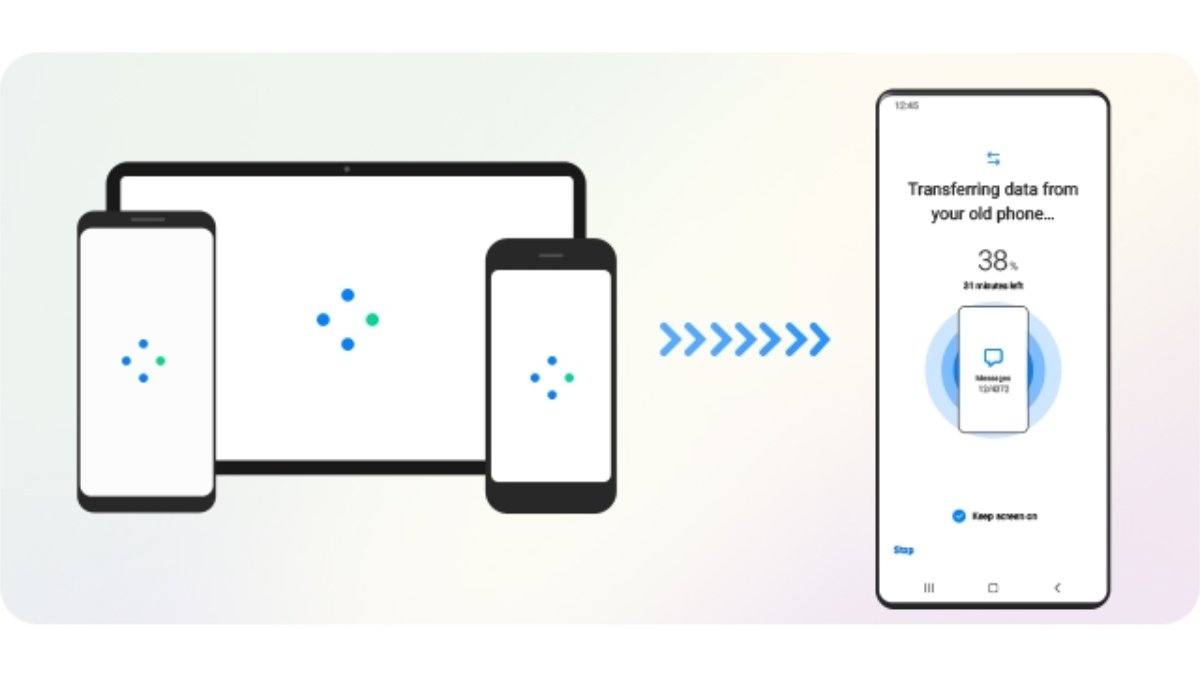
- Wireless or cable transfer: Choose between Wi-Fi Direct, USB-C cable, or PC-based migration.
- App and settings restoration: Move home screen layouts, settings, alarms, and supported apps.
- PC backup & restore: Create full device backups on your computer for future recovery.
- Optimized performance: Faster scanning and fewer connection interruptions in version 4.2.20113_5.
How to Use Smart Switch 4.2.20113_5 (Quick Guide)
- Install Smart Switch on your PC or download it on your old phone.
- Connect your old device to your Galaxy phone via USB cable or choose wireless transfer.
- Select the data categories you want to move—photos, apps, messages, documents, etc.
- Tap Transfer and wait for the migration to complete.
- Restart your Galaxy device and verify that everything has been restored properly.
The entire process usually takes just a few minutes, depending on data size.
5 Things You Can Do With Smart Switch
- Transfer your entire phone (apps, contacts, calendar, SMS, call logs, and settings).
- Move iPhone data to Samsung, including iCloud content.
- Back up your Galaxy device on a Windows or Mac computer.
- Restore previous backups after factory reset or device replacement.
- Migrate data wirelessly, without cables or external software.
Who Is Smart Switch For?
- Users switching to a new Samsung Galaxy device
- iPhone owners moving to Android for the first time
- Anyone who wants a local PC backup instead of cloud-only solutions
- Tech repair shops that regularly prepare or reset Galaxy devices
Conclusion: The Easiest Way to Move Into a New Galaxy Device
Smart Switch 4.2.20113_5 continues to streamline phone migration with improved stability, speed, and flexibility. Whether you're upgrading your Galaxy device or switching platforms entirely, it remains one of the most reliable and user-friendly tools for transferring your digital life to a new phone.
Note: Tools files may be marked as malicious by antivirus. Be sure to check the file before downloading.
Comments & Ask Questions
Comments and Question
There are no comments yet. Be the first to comment!