Epic Games Launcher 19.0.0
What is Epic Games Launcher — and what’s new around 19.0.0
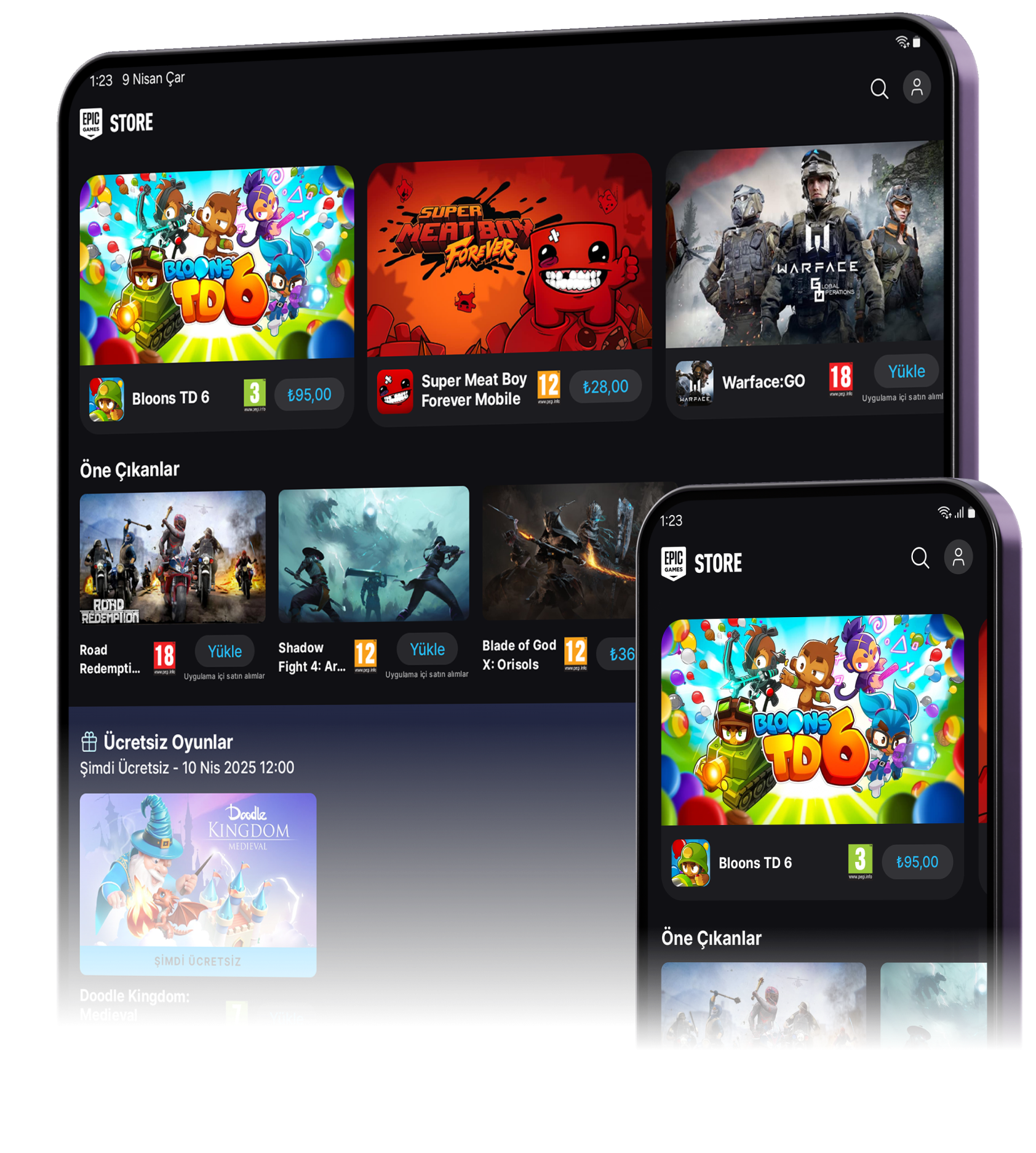
Epic Games Launcher is the desktop client for the Epic Games Store. It lets you browse, download and update games and content, manage your library, launch titles — and handle updates. As of version 19.0.0 (released late 2025), the Launcher continues to be the standard gateway for Epic’s PC/Mac game distribution.
Notably — around 2025 — the platform (Store + Launcher) also rolled out a revamped download management system. With the “new Download Manager,” users can: prioritize which games update first, set speed limits for installs/updates, schedule updates, control whether games update while playing, change default install directories easily, view detailed download status and history — improvements aimed at increasing download control and user convenience.
So in principle, 19.0.0 sits within a broader push by Epic to modernize and streamline the experience for large game libraries and frequent updates.
What’s Good / What Epic Aims For with Launcher 19.0.0
- Better download & update control. Thanks to the newer download-manager features, users get granular control over installations and updates — useful especially if you have many games or slower internet.
- Official support for current OS versions. The Launcher supports modern systems (e.g. Windows 10/11 64-bit, recent macOS) — aligning with Epic’s push away from older, obsolete platforms.
- Unified launcher + store + library. For many players, this remains a convenient, centralized interface to manage Epic Store purchases, game installations, updates — rather than juggling many separate tools.
- Free to use. As with previous versions, nothing extra cost to run the launcher itself — once you have supported hardware and OS, you can download, install and launch games bought (or free games) on Epic.
In short: For users with a supported system and modern OS, Epic Games Launcher 19.0.0 offers a robust, feature-rich experience for managing and playing PC/Mac games from Epic.
What’s the Problem — Major Issues with 19.0.0 (and What Users Report)
Unfortunately — version 19.0.0 has triggered notable compatibility headaches for a subset of users. Most prominently, many report that the launcher fails to start at all if their processor lacks support for the SSE4.2 instruction set.
For example:
“Epic Games Launcher version 19.0.0 does not start on Core 2 Duo CPUs due to lack of SSE4.2 support.”
That means users with older hardware (pre-Nehalem Intel, or older AMD CPUs) may find their machine suddenly incompatible — even if the rest of their system meets requirements. And since the Launcher attempts to update automatically, many find they have no practical way to go back to an earlier build. Reports on forums criticize this change as “a crazy back-end oversight” — arguing a launcher should not have stricter requirements than the games themselves.
Additionally:
- Some users experience persistent launcher crashes or failures to render UI, even post-update, despite reinstalling or running as administrator.
- For users forced to stay on older hardware, there’s well-grounded frustration: they can no longer use Epic’s Launcher (and thus can’t easily launch or update their games), which significantly degrades the utility of the platform on older rigs.
So, while 19.0.0 is a technical step forward in many ways, it has left some long-time users — especially those with older hardware — effectively locked out.
Who Should Use (or Avoid) Epic Games Launcher 19.0.0
Recommended for:
- Gamers with modern PCs (modern CPU with SSE4.2 support, 64-bit Windows or updated macOS) — since they’ll benefit from improved download management and current support.
- Users with large Epic game libraries or frequent updates — as the newer download-manager features make library / update management easier.
- Anyone new to Epic Games Store — starting fresh on a supported PC means no migration pain and full access to features.
Should avoid / proceed with caution if:
- Your hardware is old (e.g. Core 2 Duo, early-gen CPU without SSE4.2) — since the launcher may fail to start entirely.
- You rely on the launcher to manage updates on systems with limited resources.
- You prefer maximum compatibility and would rather not risk losing launcher access — older hardware users might consider sticking with older clients (if that’s even feasible) or alternative methods.
What Users Are Doing — Reactions & Workarounds
From community reports (forums / Reddit), common responses to the 19.0.0 rollout:
- Some revert to an earlier version (like 18.x) manually — though Epic’s installer often tries to auto-update to 19.0.
- Others migrate to third-party or alternate launchers (when possible) — though that may not work for all Epic games.
- Many users express frustration at what they see as overly aggressive system requirements for what should be a lightweight launcher. One Reddit user summarized:
“Epic Games launcher version 19.0.0 not opening after installation … because of lack of support for the processor’s SSE4.2 instruction … older processors like Intel Core 2 Duo … will no longer work.”
In short — there’s clear community pushback, and many long-time users are reconsidering their use of the platform due to hardware-compatibility changes.
Note: Tools files may be marked as malicious by antivirus. Be sure to check the file before downloading.
Comments & Ask Questions
Comments and Question
There are no comments yet. Be the first to comment!