EA App
EA App 13.387.0.5900
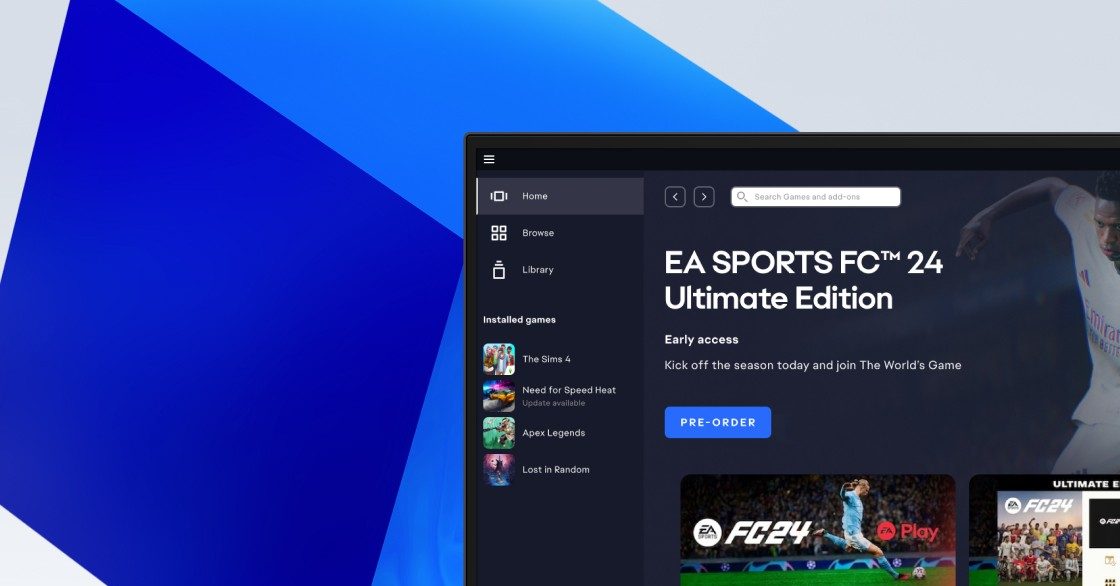
The EA App continues to evolve into Electronic Arts’ primary PC platform, replacing Origin and aiming to deliver a more streamlined experience for players. Version 13.387.0.5900 focuses on refining performance, tightening background processes, and addressing some of the lingering usability concerns players have voiced since the app’s introduction.
As one tester described it, this release feels “less like a replacement and more like the platform finally finding its footing.” That sentiment sums up the direction of this update: fewer interruptions, faster responses, and a client that behaves more predictably.
What’s Improved in This Version
- More Reliable Game Launching
Many users have noted that this version smooths out the occasional launch failures that previously required multiple attempts. The app handles startup routines with fewer hiccups, especially for large games. - Better Update Management
The update process is cleaner and less likely to stall. Downloads recover more intelligently if the connection drops, and the app is quicker to verify partially downloaded files. - Refined Login Experience
Sign-in prompts behave more consistently, with fewer loops or unexpected errors. Returning players should notice a more stable transition from desktop to library. - Performance Adjustments Behind the Scenes
Memory usage remains in check even with large libraries, and switching between tabs or navigating the user interface feels snappier. As one reviewer put it, “the app doesn’t feel like it’s fighting itself anymore.”
Quality-of-Life Enhancements
- Improved Error Handling
When something goes wrong—whether it’s a corrupt file or a missing dependency—the app surfaces clearer explanations and more actionable prompts. - Faster Library Scanning
The EA App now recognizes installed titles more quickly, reducing the time spent waiting for the library to refresh. - More Consistent Overlay Behavior
In-game overlay prompts are more stable, particularly in titles that historically struggled with pop-ups or achievement notifications. - Reduced Background Clutter
The app minimizes unnecessary background tasks, which helps keep CPU and disk usage low when players aren’t actively updating or installing games.
Overall Experience
Version 13.387.0.5900 may not introduce flashy new features, but it does what players expect from a modern game launcher: it stays out of the way. The app is smoother to open, quicker to navigate, and more dependable when it comes to launching titles. For many users, this update represents a shift toward the platform feeling more mature and trustworthy.
In other words, it’s the kind of update where most of the work is invisible—yet noticeable every time you use it.
Note: Tools files may be marked as malicious by antivirus. Be sure to check the file before downloading.
Comments & Ask Questions
Comments and Question
There are no comments yet. Be the first to comment!