GeForce NOW for Linux
GeForce NOW for Linux 2.1.2 — Overview
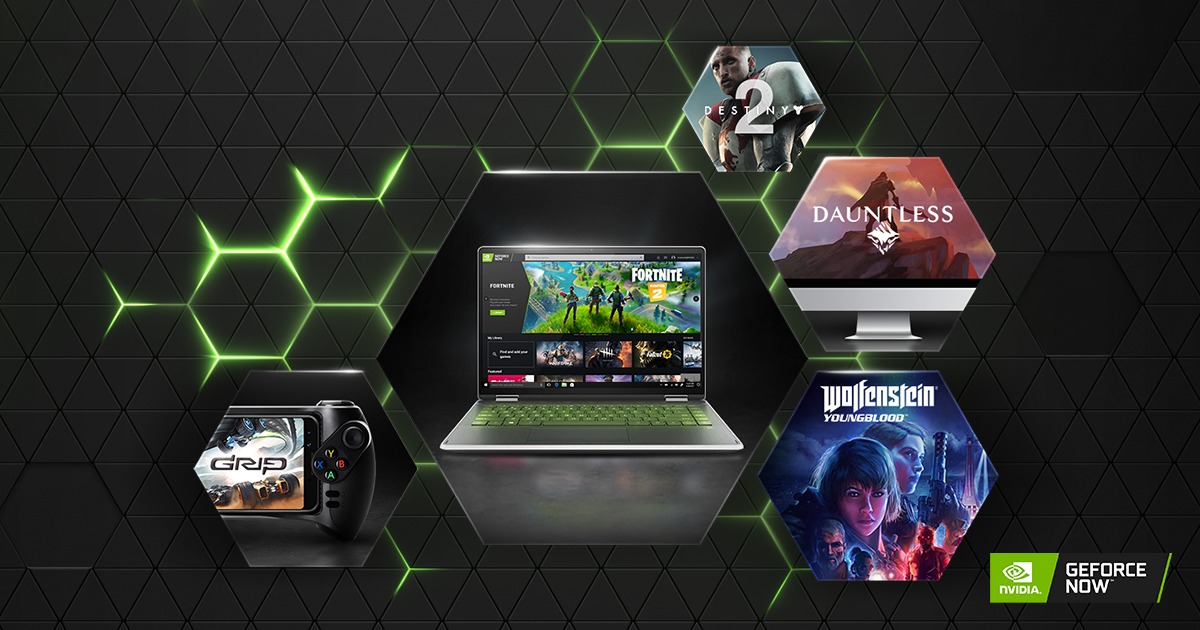
GeForce NOW is NVIDIA’s cloud-gaming platform that allows you to stream high-end PC games from powerful remote servers directly to your device. Instead of running games locally, your Linux system receives a video stream while all heavy rendering is done in the cloud. This makes it possible to play demanding AAA titles even on low-spec hardware.
Is There an Official Linux App?
NVIDIA does not provide an official native GeForce NOW client for Linux. Any installer distributed as “GeForce NOW for Linux 2.1.2” is typically a community-created wrapper or an unofficial build, not an official NVIDIA product.
Still, Linux users can access the service in two main ways:
- Browser streaming (official method)
GeForce NOW works directly through modern browsers such as Chrome, Chromium, or Edge on Linux. You simply visit play.geforcenow.com and log in. This is currently the most stable and supported way to use the service on Linux. - Community desktop wrappers (unofficial)
Tools such as GeforceNowElectron or GeForce Infinity wrap the web version inside an application-like interface. These offer features like desktop integration, shortcuts, and basic customization, but they are not officially supported by NVIDIA.
What the Program Does
If you install a community build labeled “GeForce NOW for Linux 2.1.2,” here is what it generally provides:
- A desktop launcher or wrapper that opens the GeForce NOW interface.
- Quick access to your NVIDIA account and cloud gaming library.
- A more app-like experience instead of using the browser directly.
- Integration with Linux desktop environments (icons, menus, shortcuts).
However, the core gaming system is still browser-based streaming. The wrapper itself does not run games locally and does not include native NVIDIA streaming APIs.
How to Use It
Browser method (recommended):
- Open Chrome or Chromium on your Linux system.
- Visit play.geforcenow.com.
- Log in with your NVIDIA account.
- Select a supported game from your library and start streaming.
Using a desktop wrapper (optional):
- Install a trusted community package such as GeForce Infinity or an Electron-based client.
- Launch the application.
- Sign in to your NVIDIA account.
- Start streaming games as usual.
Limitations
- No official native Linux client from NVIDIA.
- Some advanced features such as high refresh rate modes may be limited.
- Community wrappers vary in stability and may break when NVIDIA updates the web interface.
- Performance depends heavily on your network connection, not your hardware.
Who It Is For
This setup is useful for Linux users who want access to cloud gaming without relying on Windows or a dedicated gaming PC. It is ideal if you want a simple, lightweight way to stream games on a system that normally could not handle modern titles.
It is not ideal if you expect full native support, deep system integration, or complete feature parity with Windows or macOS.
Note: Tools files may be marked as malicious by antivirus. Be sure to check the file before downloading.
Comments & Ask Questions
Comments and Question
There are no comments yet. Be the first to comment!