Paradox Games Launcher 2.4.0
Paradox Games Launcher 2.4.0 — Overview
Paradox Games Launcher (often referred to simply as Paradox Launcher or Paradox Launcher v2) is the official launcher application developed by Paradox Interactive for managing, launching, and updating select games published by the company. It acts as a centralized hub that handles user authentication, game launching, update delivery, mod access, and playset management for titles that use it. Version 2.4.0 represents a relatively recent build of this launcher. It is distributed by Paradox and integrated with supported games across platforms.
Purpose and What It Does
Paradox Games Launcher 2.4.0 is intended to:
- Provide a consistent way to launch Paradox Interactive games that require or optionally use it.
- Manage updates and patches for those games automatically.
- Offer a location for mod and DLC management for supported titles.
- Provide information about installed Paradox titles and link them with user accounts.
- Link launched games with Paradox account features such as cloud saves and achievements where supported.
Although Paradox Launcher tends to register with the Paradox store and games distributed through platforms like Steam or Epic Games, it is a separate application that installs alongside those titles and must be updated independently.
Supported Games and Platform Notes
Paradox Launcher is most commonly associated with major Paradox strategy titles such as:
- Crusader Kings III
- Stellaris
- Surviving Mars
- Tyranny
- Age of Wonders: Planetfall
- Empire of Sin
- BattleTech
- Other recent Paradox games that use the launcher mechanism.
Because it is an external launcher invoked by the game, the experience of launching and updating games can differ depending on the platform and distribution source (Steam, Epic Games, Paradox store). Some games may require the launcher to start before actually launching the game executable.
Installation and Usage
Paradox Games Launcher is typically installed automatically when you install a supported Paradox title from a storefront that includes it. On Windows systems, it appears as a separate application (often listed as “Paradox Launcher v2”). It can also be installed manually using package managers like winget for Windows: winget install -e --id ParadoxInteractive.ParadoxLauncher will install version 2.4.0 if available.
Once installed:
- Launch the Paradox Launcher from your system.
- Sign in with your Paradox Interactive account.
- The launcher should detect installed games that use it.
- Select a game from the list and start it — the launcher may apply updates or show mod options as needed.
The launcher is designed to be separate from platforms like Steam or GOG; however, integration varies by platform. In some cases, Steam may launch the Paradox Launcher first before the game begins.
Common Issues and Limitations
Many users report stability and compatibility issues with Paradox Launcher across systems:
- On Windows, problems loading or crashes are frequently discussed on support forums, requiring users to clean reinstall the launcher or adjust antivirus settings.
- On Linux and Steam Deck environments, launcher crashes or failure to open have been noted, sometimes requiring users to remove launcher cache or data directories.
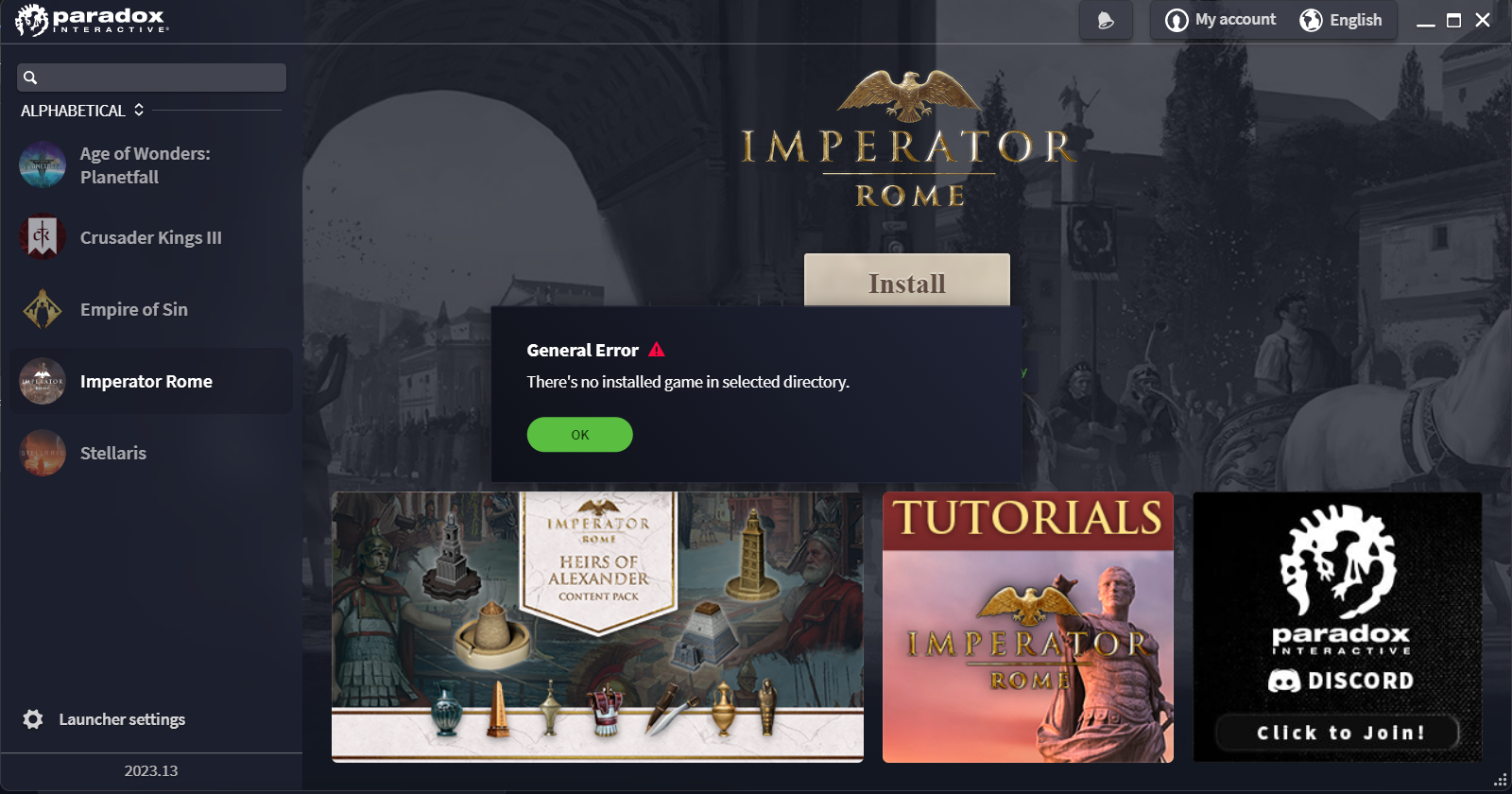
- The launcher may not always detect installed games correctly, especially when games are installed from platforms other than the Paradox store itself.
For users who encounter such issues, the official Paradox Interactive helpdesk provides troubleshooting steps such as removing launcher cache folders, reinstalling the launcher, or launching games directly where possible.
Community alternatives and plugins also exist that aim to bypass or replace parts of Paradox Launcher behavior, but these are unofficial and not supported by Paradox.
Why Paradox Uses a Launcher
According to historical patch notes and developer commentary, Paradox introduced the Launcher v2 as part of a larger move to unify multiplayer compatibility, mod support, and version management across platforms and storefronts. A shared launcher simplifies certain cross-platform multiplayer scenarios and creates a centralized way to handle mod libraries and updates without requiring each game to manage these systems independently.
Summary
Paradox Games Launcher 2.4.0 is the official game launcher application used by Paradox Interactive to manage supported strategy titles. It handles game launching, updates, mods, and account integration for selected games. Although widely used, it has known issues on several systems and is subject to ongoing updates by Paradox Interactive’s support team. Users should install it through official sources and consult support documentation if problems arise
Note: Tools files may be marked as malicious by antivirus. Be sure to check the file before downloading.
Comments & Ask Questions
Comments and Question
There are no comments yet. Be the first to comment!