GeForce NOW for macOS
GeForce NOW for macOS 2.0.39 — Overview
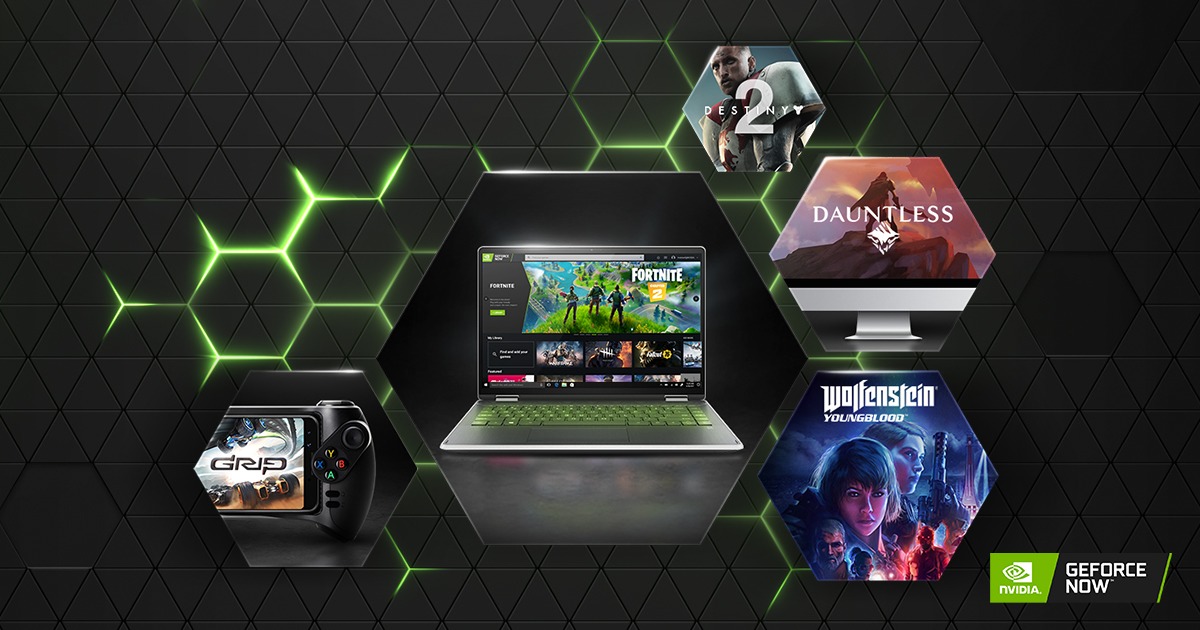
GeForce NOW is NVIDIA’s cloud gaming service that lets you play high-end PC games streamed over the Internet from powerful remote servers. Instead of running games on your Mac’s hardware, the games run in the cloud and stream video of the gameplay to your computer. Your inputs—keyboard, mouse, or controller—are sent back to the server in real time, creating the experience of playing a high-performance game without needing a high-end local GPU.
The macOS version 2.0.39 refers to a specific release of the native GeForce NOW application for macOS. It is part of NVIDIA’s 2.0-series client builds, which are periodically updated with new features, improvements, compatibility fixes, and bug corrections. This release predates newer versions like 2.0.40 and 2.0.41, which added significant enhancements such as 4K streaming support on PC and Mac and improved game catalog navigation.
What the macOS App Does
GeForce NOW’s macOS app lets Mac users:
- Sign in with their NVIDIA account to access cloud gaming features.
- Browse and launch supported games in their library from services such as Steam, Epic Games Store, Ubisoft Connect, and others.
- Stream games remotely from cloud servers to the Mac, eliminating the need for a powerful local graphics card.
- Manage streaming settings like visual quality and performance preferences within the app.
Because the processing power comes from remote servers, even older or mid-range Macs can play graphically demanding games at high detail levels, as long as the Internet connection is fast and stable.
GeForce NOW supports macOS through the native app as well as via a browser interface at play.geforcenow.com, and NVIDIA has stated that support for macOS is maintained for newer operating systems.
Key Features Around Version 2.0.39
Version 2.0.39 itself focused mainly on internal improvements and bug fixes rather than big new features. According to public release summaries from NVIDIA for the 2.0 series:
- The underlying app releases around this time included bug fixes and performance stabilizations to make navigation smoother and reduce background process overhead.
The next version, 2.0.40, brought more visible features such as support for 4K streaming for high-tier members and added improved game discovery layouts in the launcher interface, as well as native Apple M1 processor binaries for faster load times on newer Macs.
Because official release notes specific to 2.0.39 are not published separately from the general 2.0 lineup, it is widely understood in community and support channels that 2.0.39 was primarily a transitional build ahead of the broader changes in later updates.
How It Works on macOS
To use GeForce NOW on macOS:
- Download and install the GeForce NOW app from the official NVIDIA website.
- Launch the app and sign in with your NVIDIA account.
- Connect your game stores (such as Steam or Epic) if required.
- Browse your available games and click “Play” to start a cloud gaming session.
The app handles streaming, video quality settings, and controller/keyboard mappings. Streaming performance is heavily influenced by your network connection—higher bandwidth and lower latency produce a smoother experience.
If you encounter problems with the macOS app, you can also stream games through a compatible web browser at play.geforcenow.com instead of the native app.
Compatibility and Requirements
- NVIDIA supports GeForce NOW on macOS systems with recent OS versions; older macOS releases may no longer receive updates through the native app.
- Later versions of the macOS app include native support for Apple Silicon (M1 and later), providing better performance and lower power usage on those machines.
Known User Experience Notes
Community discussions indicate a range of user experiences with GeForce NOW on macOS:
- Some users have reported sluggish interface performance or stuttering in the native app on certain hardware or macOS versions, with smoother operation when using the browser version instead.
- Other users have described occasional bugs or stability problems after updates, which sometimes require reinstalling the app or clearing caches to fix.
These issues are not universal and can depend on factors like macOS version, network conditions, and specific system configurations.
Why macOS Users Choose GeForce NOW
GeForce NOW allows Mac users to play many Windows-exclusive or high-performance games that would otherwise be impossible or impractical directly on macOS hardware. Because the actual rendering is done in the cloud, Macs with modest specifications can enjoy high-end graphics and smooth gameplay if their network connection is strong.
This removes reliance on local hardware performance and gives access to a much larger game library than native macOS gaming typically offers.
Summary
GeForce NOW for macOS version 2.0.39 is a release of NVIDIA’s cloud gaming client for Apple computers. It enables users to stream and play supported games from the cloud without needing powerful local hardware. Around this release, NVIDIA focused on internal fixes and refinements, while subsequent versions brought larger features. The macOS app works with recent macOS versions and integrates with major game store accounts, but users should ensure their system meets current support requirements for best results.
Note: Tools files may be marked as malicious by antivirus. Be sure to check the file before downloading.
Comments & Ask Questions
Comments and Question
There are no comments yet. Be the first to comment!