Notepad2 4.2.25
Notepad2 4.2.25
Notepad2 is a fast, lightweight text editor for Windows, originally developed by Florian Balmer as an enhanced replacement for the standard Windows Notepad. Version 4.2.25 is a stable release in the 4.x series, focusing on performance, simplicity, and improved compatibility with modern Windows systems.
Notepad2 is designed to start instantly and handle text editing tasks efficiently without unnecessary features or heavy system requirements.
Core Functionality
Notepad2 provides essential and advanced text editing features, including:
- Syntax highlighting for common programming and scripting languages
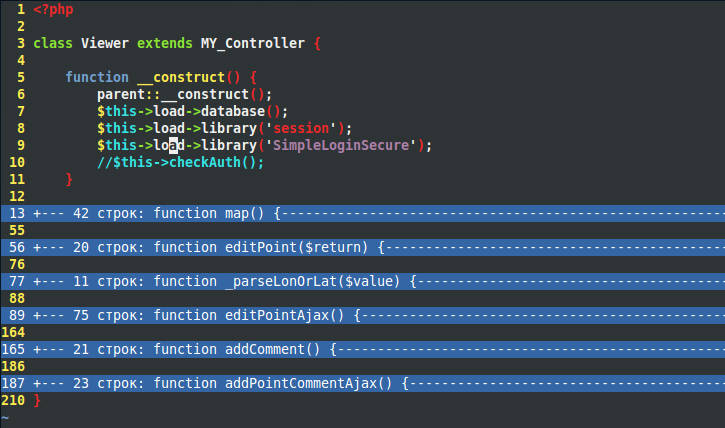
- Line numbering and code folding
- Automatic indentation and brace matching
- Support for multiple text encodings (ANSI, UTF-8, UTF-16)
- Unix and Windows line ending support
- Search and replace with regular expression support
These features make it useful for developers, system administrators, and users who need more functionality than basic Notepad.
Key Characteristics
- Extremely small footprint and fast startup time
- Clean, minimal user interface
- No background services or telemetry
- Portable usage without mandatory installation
- Designed for quick editing rather than full IDE workflows
Typical Use Cases
- Editing configuration files
- Viewing and modifying source code snippets
- Working with log files
- Replacing Windows Notepad for daily text editing tasks
Compatibility
- Designed for Microsoft Windows operating systems
- Can be used as a portable application or installed system-wide
- Integrates optionally as a Notepad replacement
Limitations
- Does not support tabs or multi-document interfaces
- No built-in project management features
- Not intended to replace full-featured code editors or IDEs
Summary
Notepad2 4.2.25 is a lightweight, high-performance text editor that enhances the capabilities of the standard Windows Notepad. With syntax highlighting, encoding support, and a minimal design, it is ideal for quick editing tasks and technical workflows that require speed and reliability.
Note: Tools files may be marked as malicious by antivirus. Be sure to check the file before downloading.
Comments & Ask Questions
Comments and Question
There are no comments yet. Be the first to comment!