VoiceMeeter 1.1.1.9
VoiceMeeter 1.1.1.9: The Audio Mixer's Latest Tune-Up for Smoother Streams and Fewer Hiccups
If you've ever wrestled with routing Discord chatter, Spotify beats, and your mic into one flawless mix for Twitch or Zoom—without turning your PC into a glitchy mess—VoiceMeeter's been your low-key MVP. This free virtual audio mixer from VB-Audio (donationware, really) just rolled out v1.1.1.9 in mid-December 2024, hot on the heels of its Windows 11 24H2 and ARM64 compatibility glow-up. It's not a revolution, but a solid patch that keeps the engine humming for streamers, podcasters, and anyone juggling virtual sound cards like a pro DJ.
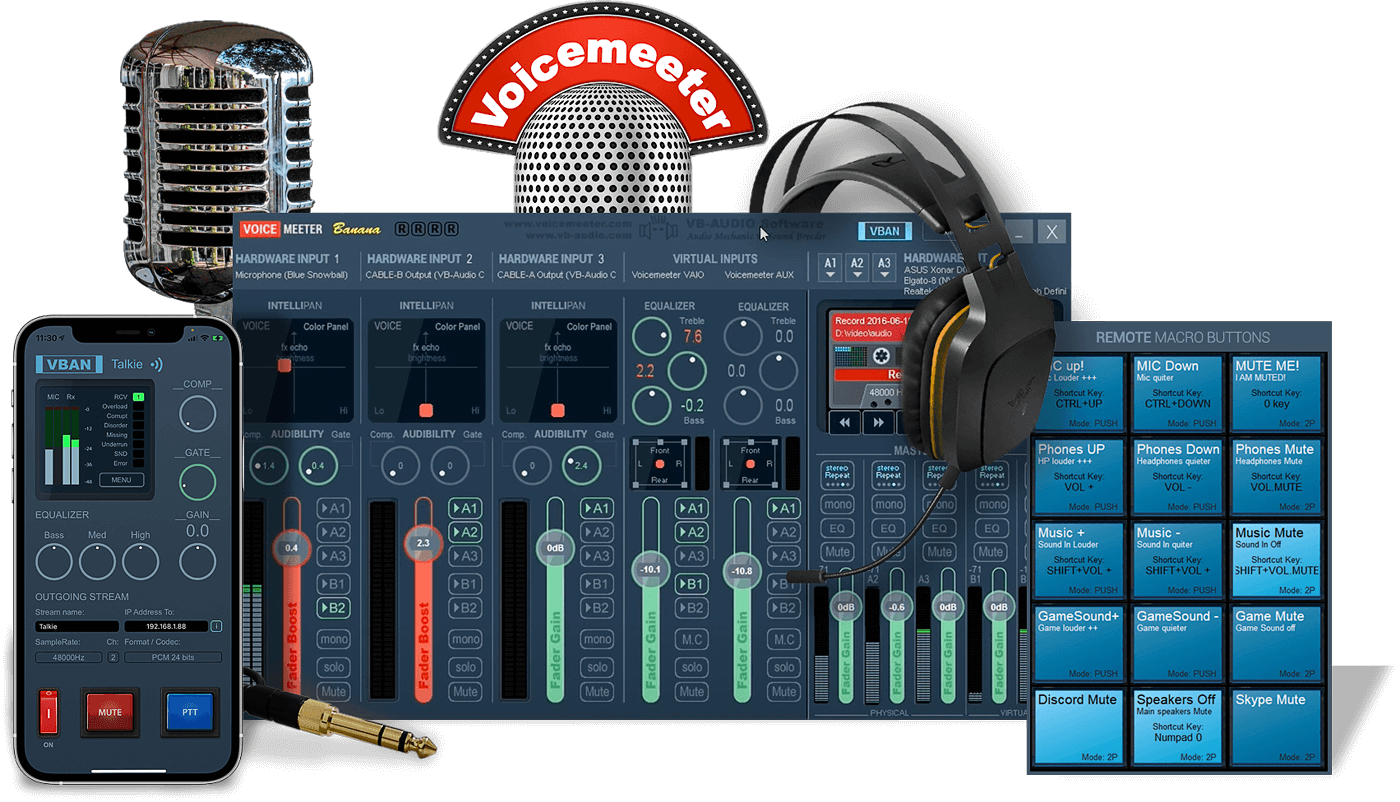
Think of it as the update that quietly fixes those "why now?" moments—released around December 17, 2024, and available as a quick installer or portable zip for Windows 7 through 11 (32/64-bit, now with ARM love for those new Copilot+ rigs). No bloat, no ads; just drag-and-drop strips for inputs (apps, mics, hardware), buses for outputs, and real-time tweaks like EQ, compression, and a fresh denoiser algo to zap background hum without mangling your voice.
What's Fresh in 1.1.1.9: Quick Hits from the Changelog
This drop builds on October's big compatibility push, focusing on stability and edge-case zaps. Here's the rundown in a nutshell—no fluff, just the goods:
It's all backward-compatible with your configs, so no re-tweaking that perfect OBS setup. If you're on 1.1.1.8 or older, the update's a seamless swap—VB-Audio's installer even handles license challenges without a full regen (pro tip: copy-paste that code to avoid O/0 mix-ups).
Why This Hits Home for You
- Streamers & Gamers: Route game audio to one bus, voice chat to another, and monitor everything low-latency via ASIO/WDM. The denoiser shines here—clean comms without extra plugins.
- Podcasters & Remote Workers: Mix multiple mics/apps with effects chains; 32 kHz support keeps things fluid on wonky hardware. ARM64 means it's future-proof for lightweight laptops.
- Tinkerers: Scriptable via Macro Buttons and Remote API—now with better VAIO locking for headless ops. Pair with VBAN for network streaming if you're going wireless.
Bottom line? VoiceMeeter 1.1.1.9 keeps proving why it's the go-to for audio routing without the learning curve of pro DAWs. In a world of finicky sound settings, this is the reliable sidekick that just got a bit more reliable—especially if you're battling Windows 24H2 quirks or hunting silence in a noisy setup.
Note: Tools files may be marked as malicious by antivirus. Be sure to check the file before downloading.
Comments & Ask Questions
Comments and Question
There are no comments yet. Be the first to comment!