Quick Picture Viewer 3.1.4
Quick Picture Viewer 3.1.4: The Forgotten Gem That Still Crushes Windows Photos in 2025
Let’s be real: the built-in Windows Photos app is a sluggish, memory-hogging disaster that takes forever to load a single RAW file and crashes the second you dare open a 50-image folder. Meanwhile, Quick Picture Viewer 3.1.4—last updated in May 2021—still launches in under a second, sips RAM like it’s 2010, and just works. No AI nonsense, no cloud sync nagging, no “sign in to view your own pictures.” Just pure, stupidly fast image browsing.
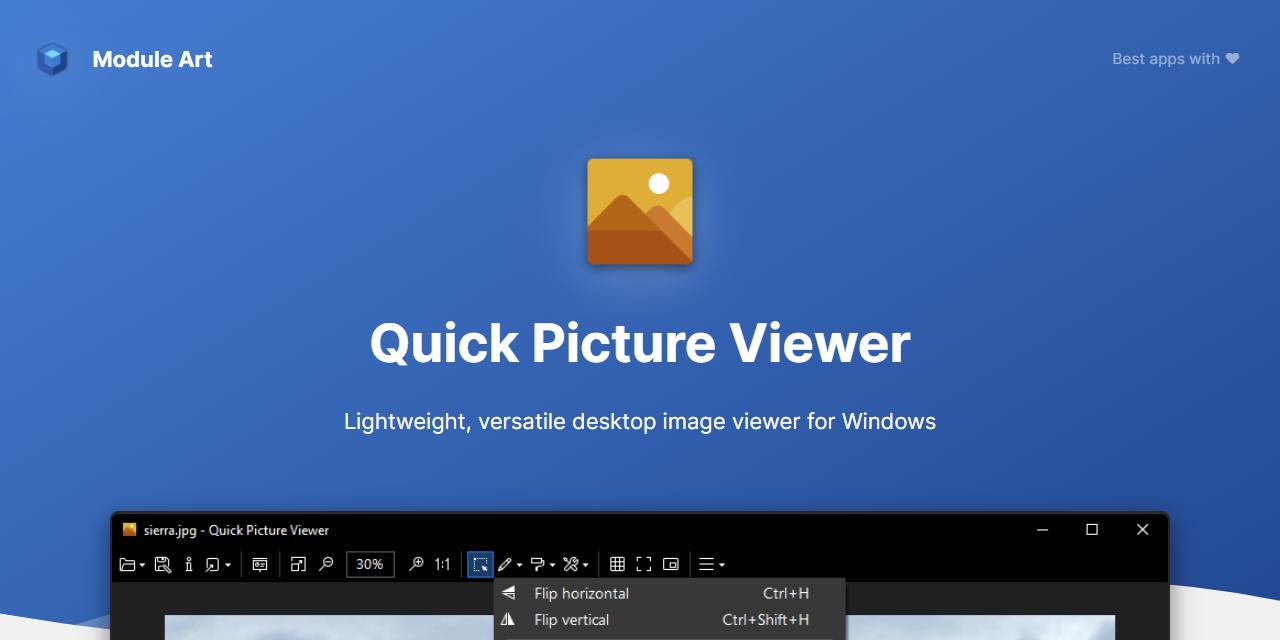
This tiny open-source hero from ModuleArt (GPLv3, donationware) weighs in at a laughable 3–4 MB, runs perfectly on Windows 7 through 11, and supports pretty much every format under the sun: JPEG, PNG, GIF, TIFF, WebP, SVG, PSD, DDS, and hundreds of RAW types (CR2, NEF, ARW, etc.) without needing extra codecs. Zoom with your mouse wheel or pinch on touchscreens, rotate, flip, full-screen slideshows with smooth transitions, drag entire folders in, and fly through thousands of images with arrow keys. Done.
Need light edits? Crop, resize, batch convert, slap text or watermarks on—everything stays non-destructive. There’s even a Picture-in-Picture mode for side-by-side comparisons and a built-in screenshot tool. Dark mode? Obviously. One-click “open with Photoshop/whatever” integration? Yep. And yes, you can set it as your default viewer in two seconds flat and never see Microsoft’s garbage app again.
The fact that the last stable release is from 2021 and it still feels snappier than 90% of modern viewers tells you everything. It’s not abandoned—it’s finished. The developer basically said “it’s perfect, I’m out” and we respect the hell out of that energy.
If you’re tired of waiting ten seconds for Windows Photos to wake up, do yourself a favor: grab Quick Picture Viewer 3.1.4 right now, make it default, and reclaim your sanity.
Note: Tools files may be marked as malicious by antivirus. Be sure to check the file before downloading.
Comments & Ask Questions
Comments and Question
There are no comments yet. Be the first to comment!