RightClick 1.2
RightClick 1.2 – Program Overview
RightClick 1.2 is a customization tool designed to enhance the Windows desktop experience by allowing users to fully personalize their right-click context menu. Built for power users and customization enthusiasts, it streamlines access to apps, folders, and system functions—making everyday workflows faster and more efficient.
Key Features
Custom Right-Click Menus
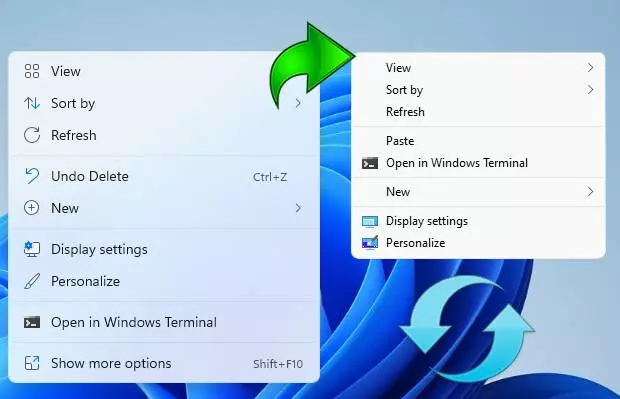
Transform the default Windows desktop menu into a personalized command center. Add shortcuts to programs, folders, documents, and system tools for instant access.
Drag-and-Drop Menu Editing
Easily rearrange, add, or remove menu items with a simple drag-and-drop interface—no complex configuration required.
Integrated Launchers & Tools
Launch frequently used applications, open directories, or trigger system commands directly from your right-click menu.
Clean, Modern Interface
RightClick 1.2 offers an intuitive interface that makes customizing menus smooth and beginner-friendly, while still providing the flexibility advanced users need.
Lightweight & Fast
Designed to run without impacting system performance. Configurations apply instantly, offering a seamless desktop experience.
Ideal For
- Users who want faster access to their most-used programs
- Productivity enthusiasts looking to streamline their workflow
- Power users customizing their Windows environment
- Anyone who wants a more functional and convenient desktop
RightClick 1.2 gives you full control over your desktop’s context menu—turning everyday right-clicks into a powerful productivity shortcut.
Note: Tools files may be marked as malicious by antivirus. Be sure to check the file before downloading.
Comments & Ask Questions
Comments and Question
There are no comments yet. Be the first to comment!